When to use Bass line mode for MIDI conversion
Use Bass line mode when the intended solo note is below the normal melody range. In this controlled check, sustained C2 at 65.4 Hz was missed in Melody mode and retained in Bass line mode; C3 was retained in both.
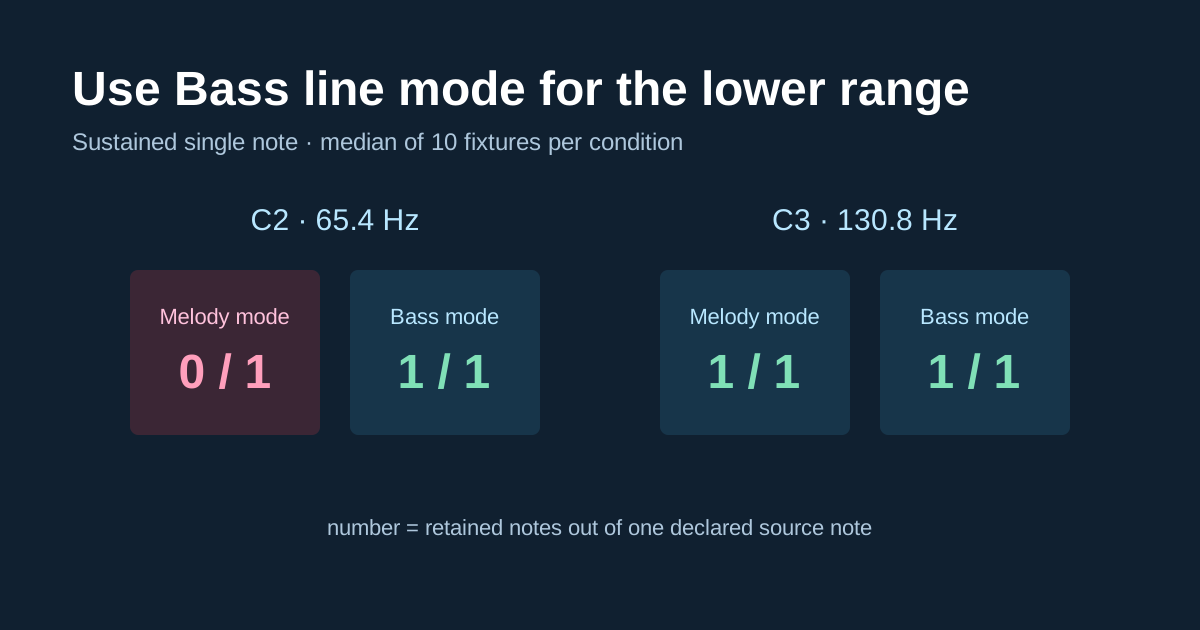
Controlled low-note check
| One sustained source note | Melody / solo instrument | Bass line |
|---|---|---|
| C2, 65.4 Hz | 0 retained; 1 missed | 1 retained; 0 missed |
| C3, 130.8 Hz | 1 retained; 0 missed | 1 retained; 0 missed |
Change range, not the claim
The browser code searches 80 to 1400 Hz in Melody / solo instrument mode and 35 to 300 Hz in Bass line mode. Both modes still produce one dominant pitch line. If a bass note overlaps chord tones, choose an exposed phrase rather than treating Bass line as source separation.
Fixture conditions and limits
Each condition used 10 generated mono 44.1 kHz 16-bit PCM WAV fixtures,
a sustained synthetic voice-like harmonic source, Balanced sensitivity,
a 2048-sample analysis window, and a 1024-sample hop. A retained note
required exactly one output within 50 cents and with at least 50%
overlap; an extra event was unmatched or a second match. Detector
SHA-256:
DDA185AC8FB6A179A4FCFA73FD4197ACC95B8B6F59B233F5D3E330F596309F9F.
These are controlled source checks, not a bass-guitar, song, chord, stem-separation, or universal accuracy promise.