Export MIDI notes: check the detected events before editing
After a conversion, download the detected notes as a CSV file. It lists each note name, start time, duration, and velocity so you can inspect the same events that were written into the MIDI file.
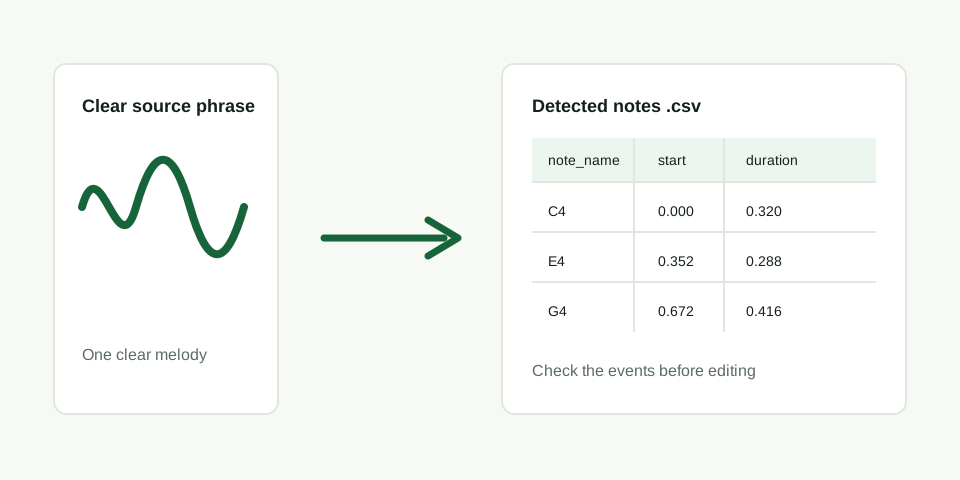
What the CSV contains
The export is generated locally in the browser from the same detected note events used for the MIDI download. Each row has a MIDI note number, readable note name, start time in seconds, duration in seconds, and velocity. The file does not claim to identify every sound in a full recording.
| Column | What to inspect |
|---|---|
| note_name | The pitch label, such as C4 or G4 |
| start_seconds | Where the detected note begins in the source |
| duration_seconds | How long the detected note lasts |
| velocity | The MIDI playback strength assigned to the event |
Use four checks before editing
- Opening: play the first note in the source and compare it with the first CSV row.
- Main movement: read the note names in order. They should rise or fall in the same broad direction as the melody.
- Repeat: check that an obvious repeated source note appears as a repeated row rather than an unrelated jump.
- Pause: compare the gap between rows with the first clear silence in the source.
When not to trust the list
A busy recording can make a dominant-pitch detector follow the wrong sound. If chords, drums, or another lead line enter at the same time, use a shorter exposed phrase instead of trying to repair a long list of unrelated events. The CSV is useful because it makes that failure easy to see before you spend time editing.