How to open a MIDI file: use the right app for the job
Open a .mid file in a DAW when you want to edit a piano roll, in a MIDI editor when you want to inspect note events, or in a notation app when you need written music. Then check the line against the source before relying on it.
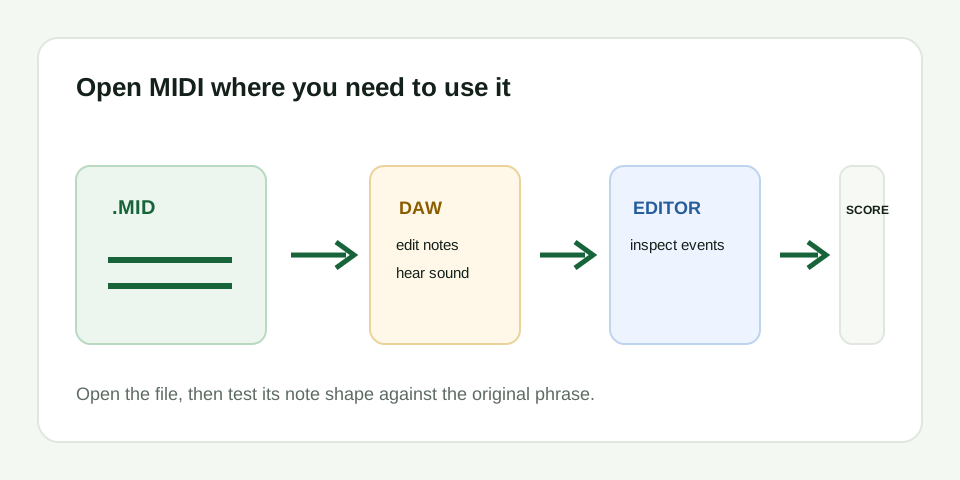
Choose the app based on the next decision
A DAW is the practical choice for editing pitch, timing, duration, and instrument sound. A MIDI editor is useful when you only need a quick visual check of note events. Notation software is useful when the goal is a readable score, but automatic notation may need cleanup after import. None of these choices changes the note data simply by opening the file.
Do not judge a conversion by whether a computer recognizes the extension. A MIDI file can open successfully and still follow the wrong line from a busy source. Open the source audio and the MIDI together whenever possible.
Check the file in three passes
- File pass: confirm the download is not empty and the application shows note events or a track.
- Shape pass: compare the opening, the main rise or fall, and repeated notes with a short source phrase.
- Playback pass: use a simple piano-like sound and listen for the same pauses and overall direction.
Common opening problems
| What you see or hear | What it means | What to do |
|---|---|---|
| The file opens but is silent | MIDI has no recorded audio sound | Assign an instrument or synth to the track |
| The file opens as a blank score | The notation import needs another view or track selection | Check imported tracks and use a MIDI or piano-roll view |
| Notes are present but sound unlike the source | The playback instrument is different | Change the sound; do not assume the MIDI is broken |
| The note shape is wrong | The conversion followed competing pitches | Use a shorter, exposed melody and convert again |
Keep both the source and the MIDI
The original audio is the reference for your cleanup decision. The MIDI is the editable result. Store them together with a clear name so you can return to the exact phrase when a note looks questionable. After the line is correct, you can choose a sound and render it as audio.