Sheet Music to MIDI: what this converter can and cannot do
No. MIDI Convert does not turn PDF, image, scan, or printed sheet music into MIDI. It only makes an editable MIDI sketch from a permitted local audio file with one clear dominant melody.
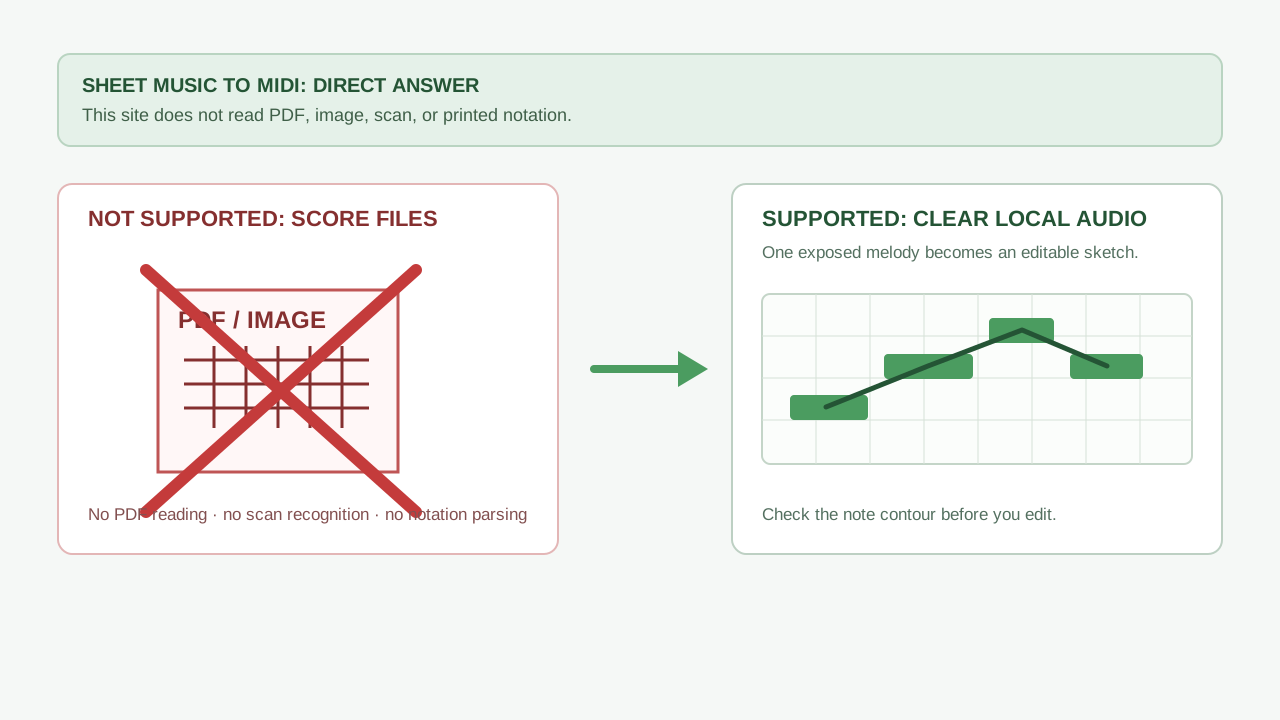
What this page does not offer
MIDI Convert does not accept notation files or visual scores. That includes PDF scores, photographs of a page, scans, handwritten music, MusicXML, and other sheet-music inputs. It does not perform optical music recognition, identify staves, or recreate notation from a page.
The separate workflow this site supports
If you have a local recording that you created or are allowed to use, and one melody is clearly exposed, use the local audio-to-MIDI converter. This is a different input: audio, not sheet music.
- Choose a short audio phrase with one clear line and no competing parts.
- Convert it locally in Melody / solo instrument mode.
- Compare the opening note, largest pitch movement, repeated note, and first pause before editing the downloaded
.midsketch.
Do not expect the audio tool to separate stems, transcribe drums or chords, reconstruct a full arrangement, or infer a score from a busy mix.
Can MIDI Convert turn sheet music into MIDI?
No. MIDI Convert does not read PDF files, images, scans, or printed sheet music into MIDI. It only converts a permitted local audio file with one clear dominant melody into an editable MIDI sketch.
Can I upload a PDF score to this converter?
No. PDF, image, scan, and notation-file upload are not supported on this site. Do not upload a score expecting optical music recognition or automatic notation parsing.
What can I use MIDI Convert for instead?
Use a local recording with one clear exposed melody. Then check the opening note, largest pitch movement, repeated note, and first pause in the resulting MIDI sketch before editing.